
First retrospective: How to get started easily as a team
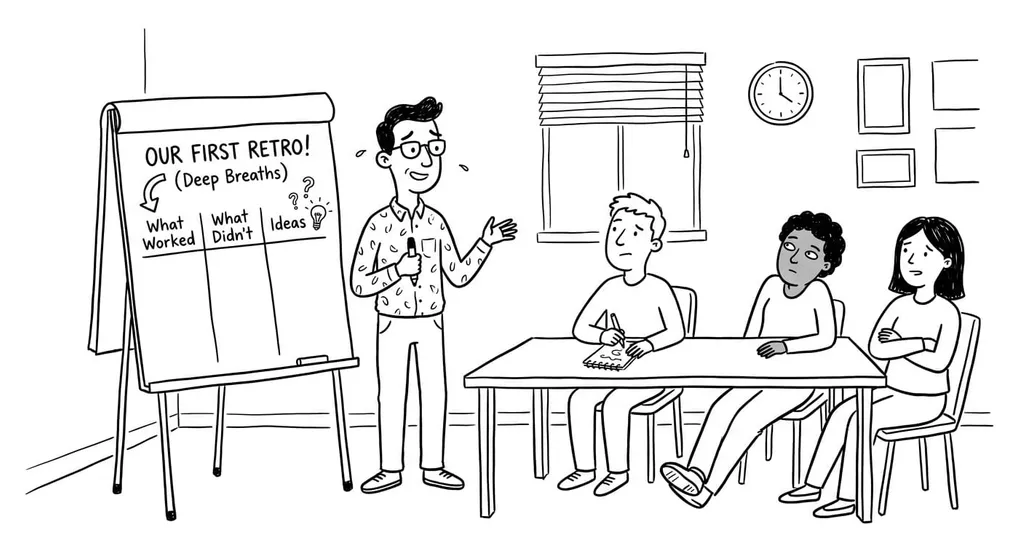
The first retrospective is important. It often determines whether your team will see retros as a helpful format in the future or more as a mandatory meeting.
The good news: your first team retrospective doesn’t have to be either creative or complicated. On the contrary. To start, a simple structure almost always works better.
The Best Method for the First Retrospective
For the start, I strongly recommend the Keep-Stop-Start retro.
Why? Because it is easy to understand, delivers results quickly, and leads the team directly to concrete improvements. That is exactly what a first retrospective needs.
Keep-Stop-Start retro: How the retro works
Random Icebreaker (2-5 minutes)
Echometer provides you with a generator for random check-in questions.
Review of open actions (2-5 minutes)
Before starting with new topics, you should talk about what has become of the measures from past retrospectives to check their effectiveness. Echometer automatically lists all open action items from past retros.
Discuss retro topics
Use the following open questions to collect your most important findings. First, everyone does it themselves, covered. Echometer allows you to reveal each column of the retro board individually in order to then present and group the feedback.
- Keep: What should we keep?
- Stop: What should we stop doing?
- Start: What should we start doing?
Catch-all question (Recommended)
So that other topics also have a place:
- What else would you like to talk about in the retro?
Prioritization / Voting (5 minutes)
On the retro board in Echometer, you can easily prioritize the feedback with voting. The voting is of course anonymous.
Define actions (10-20 minutes)
You can create a linked action via the plus symbol on a feedback. Not sure which measure would be the right one? Then open a whiteboard on the topic via the plus symbol instead to brainstorm root causes and possible measures.
Checkout / Closing (5 minutes)
Echometer enables you to collect anonymous feedback from the team on how helpful the retro was. This creates the ROTI score ("Return On Time Invested"), which you can track over time.
Keep-Stop-Start retro

If you want to understand the method in more detail first, take a look here: Keep-Stop-Start retrospective, explained simply
What Should the First Team Retrospective Achieve?
At the beginning, that usually doesn’t take much more:
- The team looks back together on the last collaboration.
- Everyone can raise observations and problems.
- You agree on one or two small actions for the next round.
What matters is not the perfect method. What matters is that the retro feels simple, safe, and useful.
How to Keep the First Retrospective Simple
- Start with a short check-in so that everyone gets a chance to speak. You can find ideas here: Retrospective check-ins. If you run the first retrospective in Echometer, a check-in will be generated automatically for you on request.
- Use a simple method instead of a playful format.
- Don’t discuss too many topics at once.
- At the end, choose only one or two actions.
- Rather plan 45 to 60 minutes than a session that is too long.
If your team is still very cautious, simple beforehand can help Team exercises for agile retrospectives.
Typical Mistakes in the First Retrospective
- Too many questions at once
- Too elaborate a method for a new team
- Too much focus on problems instead of next steps
- No concrete actions
That is why Keep-Stop-Start is so strong for the first retrospective: the format stays simple and almost automatically leads to actionable improvements.
What Comes After the First Retro?
If your first retrospective went well, you can try other formats later. You can find a good overview here: 50 retrospective methods. If you’re looking more for lighter formats, take a look at this collection too: Retrospective games for teams.
This post will also help you with the facilitation itself: Step-by-step guide for your first retro. Additional practical tips can also be found here: Facilitating a retrospective and 5 tips for retrospectives for beginners.
Conclusion
If you’re planning your first retrospective, keep it simple. Use an easy method, keep the session short, and make sure that by the end there is one small improvement to carry forward.
For almost all new teams, the Keep-Stop-Start retro and a guided retro tool like Echometer are the best way to start.
FAQ about the first retrospective
Which retro format should I use for the first retrospective?
Use a simple retro template for the first retrospective. Keep-Stop-Start or Good-Bad are good templates for the first retro.
Which tool for the first retro?
For in-person retros, start with a whiteboard and sticky notes. For online retros, use a guided, beginner-friendly retro board like Echometer.
How long does the first retro take?
For the first retrospective, allow enough time so the team can get familiar with the format without feeling rushed. 60 minutes is good.
What agenda for the first retro?
Start with a brief explanation of the retrospective format:
- The goal of the retro: space for feedback to continuously improve collaboration.
- Retro rules: Confidential setting. No blame.
- Retro steps: 1. Arrive, 2. Gather feedback, 3. Discuss feedback as a group If there are no questions from the participants, you can start directly with the steps.
If you feel unsure, just take a look at a retro in Echometer to better understand the process and gain confidence.
Click here for example: Good-Bad Retro in Echometer (no login required)