
10 Tips for Great Retrospective Action Items incl. Examples
Table of Contents There is a lot of talk in retrospectives – but does the team derive good actions from the discussion in the retro? The derivation

👉 Our recommendation: Watch our 1 minute introduction to get an overview and then click through the app yourself!
Maybe you are wondering ...
Echometer is currently available in English and German.
No. Echometer is a browser-based tool. All you need is a PC, tablet or mobile phone with an internet connection. You can access our app through our homepage, or alternatively, through the link https://my.echometerapp.com/.
The only requirement for using Echometer is a modern browser.
We recommend using the latest versions of, for example, Google Chrome, Opera, Mozilla Firefox, Microsoft Edge or Safari. We explicitly do not support Internet Explorer, which has been phased out by Microsoft.
The action items can be imported to Jira. The import can be set up by workspace admins through “Workspace management → Integrations” in the app.
The preparation time depends on how much you want to customize your retro. Echometer offers a pre-selection of templates that can help you in preparation.
In our experience, preparation requires 5-10 minutes if you are familiar with the tool. At the beginning you should reserve a little more time to get to know the tool better.
How long a retro takes depends on the experience of the team, the facilitation, the range of topics and the size of the team. A retro can take anywhere from 30 to 90 minutes.
For the first retro, you should take at least an hour. Our tool takes you through the retro step by step and gives you instructions on how to conduct it. If you need help with implementation or, for example, time management, you will find tips and instructions in our Facilitation Guide.
Here are a few helpful resources from our Help Center to help you get started with Echometer.
You want to run your first retro? Here you will find everything you need to know.
You want to roll out Echometer in your organization? Our checklist helps you to do that.
Are you setting up your first workspace in Echometer? Then this way.
Even more tips & inspiration for your retros

Table of Contents There is a lot of talk in retrospectives – but does the team derive good actions from the discussion in the retro? The derivation

Many teams frequently change the format and design of the phases of their retrospective to ensure variety and stimulate team members' creativity. But what is
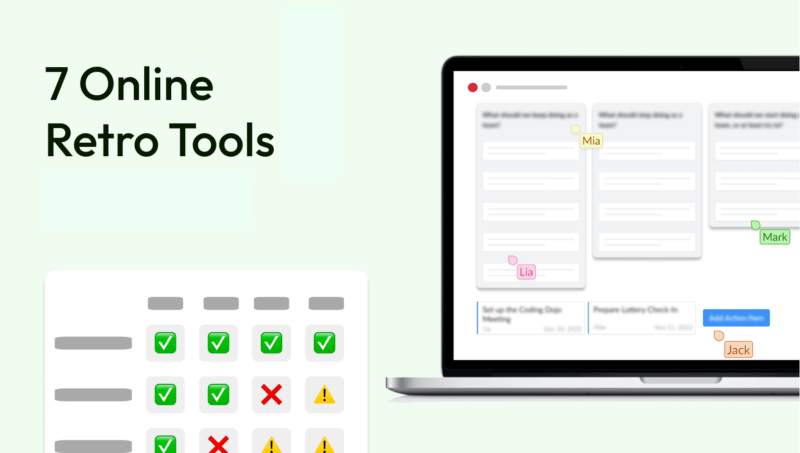
All right, for the impatient among you who don't want the complete comparison of the 7 best retro software tools: You can directly download a free retro in

Are you looking for unusual check-in questions or retrospective check-in methods for your next retrospective? I'm glad to hear that, because a good, interactive

Agile retrospectives are an essential part of any agile team. They offer team members the opportunity to reflect on their work, identify opportunities for improvement, and set goals.

The best rated Retrospective software tools (i.e. with the best ratings) are Echometer (4.7/5 – see Echometer G2) and Parabol (4.6/5 – see Parabol
Sorry! Feel free to contact us using our contact form and let us know what you are missing on our homepage.
Or try our Help Center: Open Help Center