
4 Options for doing free sprint retrospective’s online now

Are you searching for a “sprint retrospective online free”? Well, here you go! If you want to open an online retrospective right now and go the fast track, simply click on the button and you are ready to do the retrospective without anyone having to register. You can also read more on your other options below.

Sprint Retrospective Online Free

Options for free online sprint retrospectives

To begin with, of course there are a few ways to conduct a sprint retrospective online for free. It really depends on your goal and your budget.

  1. Firstly, of course you could simply use your task management tools your task management tool like Jira, Confluence, Trello or similar and collect the feedback on the Retrospective Questions in there. The content of tasks is usually updated live.

    1. Advantage: The retrospective data is stored where everything else is stored.
    2. Disadvantage: The retrospective feedbacks are collected where all activities take place 😄. So the advantage is also a disadvantage. It may be difficult to leave the “work routine” and switch to a “reflection” or meta level, which is helpful to collect good feedback in the retro. Furthermore, task management tools are not as flexible as retro tools. For example, they do not have anonymous voting functions and so on.
  2. Use an whiteboard tool like Miro, Mural or others when searching for a “sprint retrospective online free”.

    1. AdvantageYou might already have a license for that. Whiteboards offer a lot of possibilities to be creative in your retrospective.
    2. Disadvantage: You often have to design and prepare the retrospective yourself. You do not have the opportunity to record measures directly, you have to do this in the follow-up. Sometimes it is more difficult to correctly maintain the structure of the retro.
  3. Use sharable Powerpoint like a Google Presentation (incl. live collaboration).

    1. Advantage: Your team might be used to working in powerpoint
    2. Disadvantage: The tool was not developed for retrospectives, so many functions do not really support the flow of the retrospective: There is no timer, users influence each other when writing down feedback, no anonymous voting function - and similar points apply as with the whiteboard.
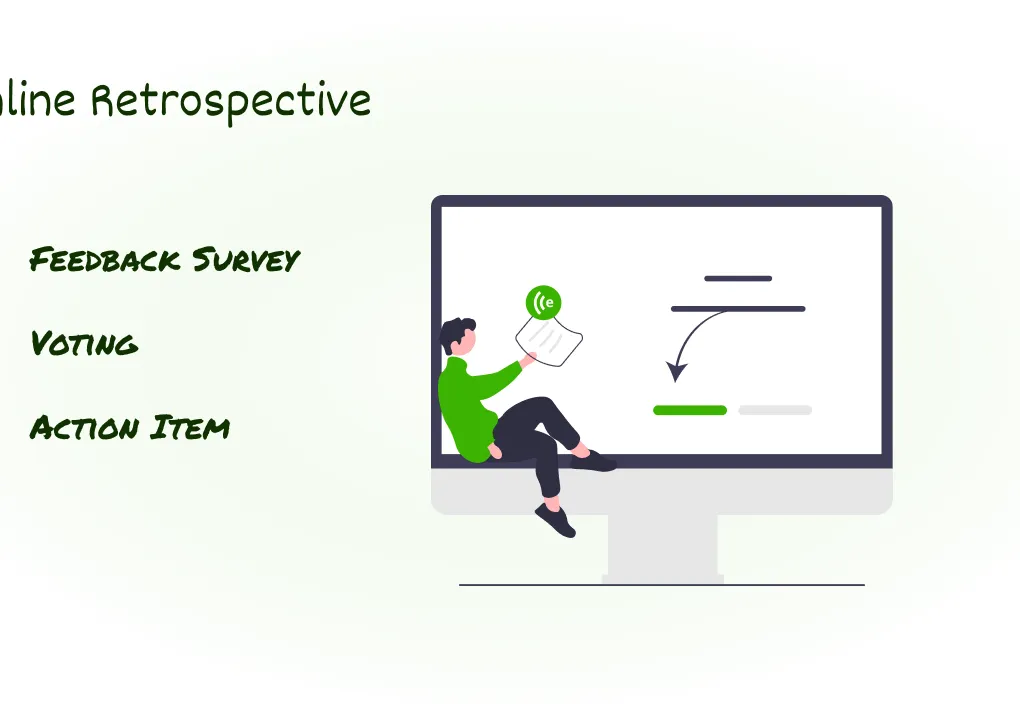
  4. Use an online retrospective tool.

    1. Advantage: Retrospective tools have all the features you need for a good retrospective (voting, topic clustering, action item integration into task management tools such as Jira), including many templates that save you time in the preparation and follow-up of a retrospective. In addition, good retrospective tools (e.g. Echometer) even help you with other challenges like a continuous (even cross-team) health check. If you want to learn more, have a look at 14 retrospective tools in comparison in our blog.
    2. Disadvantage: Some retrospective tools are relatively rigid or inflexible - you have to find the right one. In addition, team members may have to get used to the tool - although the good UX of modern tools usually provides a very good remedy here.

agile sprint retrospective online free

Sprint Retrospective Online Free: Echometer

As mentioned earlier, Echometer is a free tool to conduct a sprint retrospective online - at least if you use it with maximum of 12 persons. You can start a free online retrospective now by opening a retrospective on the button below:

Conclusion - Sprint Retrospective Online Free

Retrospectives are the central ceremony among agile meetings. You can make them “okay” and continue working in the old way. Or you can establish great retrospectives and solve many of the biggest challenges of agile teams (see Zombie Scrum).

Given that, I personally recommend to invest a lot of your efforts into good retrospectives.

Retro Boards: Frequently Asked Questions

The following questions will help you choose the right online retro board software.

You can find more retro ideas in our collection 32 Retrospective Methods .

Blog category

More articles on "Agile Retrospective Ideas"

View all articles in this category
54 Fun Retrospective Methods for Agile Teams in 2026

54 Fun Retrospective Methods for Agile Teams in 2026

Discover 54 fun retrospective methods for agile teams in 2026! From classic to creative formats – find the best ideas for your team.

The 7 Best Retro Tools for Agile Teams (2026)

The 7 Best Retro Tools for Agile Teams (2026)

Discover the 7 best retro tools for agile teams in 2026! Our comprehensive comparison will help you find the ideal retrospective tool for your team.

26 Novel Agile Retrospective Templates in 2026

26 Novel Agile Retrospective Templates in 2026

Discover 26 novel Agile Retrospective templates for 2026. Find the best method for your team and make your retrospectives successful.

Spotify Health Check Retrospective: Moderation & Tips

Spotify Health Check Retrospective: Moderation & Tips

Use the Spotify Health Check in retrospectives for team development. This guide offers moderation questions and templates for Team, Tech & Co.

10 Tips for Great Retrospective Action Items incl. Examples

10 Tips for Great Retrospective Action Items incl. Examples

How do I derive good actions from retrospectives? 10 tips and examples to help define and implement meaningful actions. For value-adding retros!

5 phases of a retrospective alone are not enough: the Double Diamond model

5 phases of a retrospective alone are not enough: the Double Diamond model

Optimize your retrospectives with the Double Diamond model! Discover how to improve the 5 phases to achieve better results and teamwork.

42 Fun & Creative Retrospective Icebreakers breaking any Ice

42 Fun & Creative Retrospective Icebreakers breaking any Ice

Discover 42 creative retrospective check-ins and icebreakers for agile teams. Find the best questions and methods to make every retro interactive.

When should a sprint retrospective happen?

When should a sprint retrospective happen?

When is the best time to hold a sprint retrospective? Find out when in the sprint cycle and on which day the retrospective is most effective.

3 best retrospective questions with online templates

3 best retrospective questions with online templates

Did you just google "3 retrospective questions"? Great, then you've come to the right place🎉 In this article, I want to give you an overview of different retrospective formats that all have one th...

Echometer Newsletter

Don't miss updates on Echometer & get inspiration for agile working

FAQs about Retrospective Tool

Top answers for anyone exploring our Retrospective Tool.

What is the ROI of the paid version of Echometer?

Good team retrospectives are a real win for companies. They have a positive impact on productivity, engagement and satisfaction - with Echometer you can tangibly and measurably increase these benefits.

Our data shows that teams achieve an average ROI increase of +120 % per retrospective when using Echometer. The ROI calculation makes all assumptions transparent, so you can enter effects as realistically as possible.

Important levers:

  • Time saving: Retro preparation, live sessions and follow-up are much faster thanks to team templates, retro themes and automated documentation. You can collect feedback asynchronously, use controlled timeboxing and record all measures directly in the tool.
  • Scalability: Your coaching resources are limited? Echometer enables teams to conduct retrospectives independently, helps new moderators get started and gives you a cross-team culture barometer.

With the Echometer ROI calculator, you can calculate exactly what added value you generate for your company - ideal as a basis for decision-making for budget managers or if you want to present the business case.
To the ROI calculator

Is a paid tool for team retrospectives worth it?

Team retrospectives can quickly turn into time-consuming processes if preparation, moderation and follow-up are implemented manually. A paid tool like Echometer helps you to standardize these processes, accelerate them and make them measurably better.

Why the investment is worth it:

  • Reusable Templates & Themes: You don’t have to rebuild retros every time. Instead, proven formats, timeboxing templates and asynchronous feedback are available.
  • Documentation & Measures: Every learning and every action item is automatically recorded. This ensures that knowledge is retained, even when team members change.
  • View of Team Health: Dashboards show trends across teams, allowing you to react seamlessly when issues arise.
  • Scalability & Independence: Teams conduct their own retrospectives, coaches remain focused, and new team members find it easy to get started.

In addition: Echometer delivers standardized ROI calculations. This allows every manager to see in black and white the time savings, productivity gains and cultural improvements achieved by the investment.

Open ROI calculator

Do I have to register to test the Retro Tool?

No, you do not need to log in to Echometer or register to test the Retro Board and Retro Tool in Echometer.

You can try out Echometer’s Retro Board via the following link without logging in: Try a Practice Round

How can I buy Echometer's retro tool?

First, simply register for free in Echometer. Then navigate to the workspace for which you would like to purchase the retro tool. If you haven’t already done so, you can do so here: Create account in Echometer 1:1 tool

You can then manage your subscription (for both the retro tool and the 1:1 software) within the workspace settings.

You can choose from various payment methods when upgrading.

If you do not have access to your company’s credit card yourself, you can simply add a buyer as a workspace admin in your Echometer workspace so that this admin can carry out the upgrade for you.

What is the difference between the Retrospective tool and the 1:1 software?

In Echometer there are two separate software solutions that are available within each workspace in Echometer:

  • 1:1 tool: Software for planning and conducting 1:1 meetings and tracking employee development
  • Retrospective tool: Software for planning and moderating retrospectives and tracking team development through team health checks

Both are independent software solutions, so they can be used separately from each other.

However, they work according to the same principles and aim to achieve the same added value: The continuous improvement of agile teams. In this respect, the simultaneous use of both software solutions is recommended.

Can I appoint several admins in Echometer?

Yes, you can assign administration rights to any number of users at both team level and workspace level. Please note the following:

  • Only workspace admins can take out and manage a Echometer subscription for a Echometer workspace.
  • Only workspace admins can create additional teams and name or remove additional workspace admins.
  • Team admins can appoint and remove additional team admins and team members for their team